A practical UK cloud gaming checklist
Check the game, device, subscription and connection before planning a session.
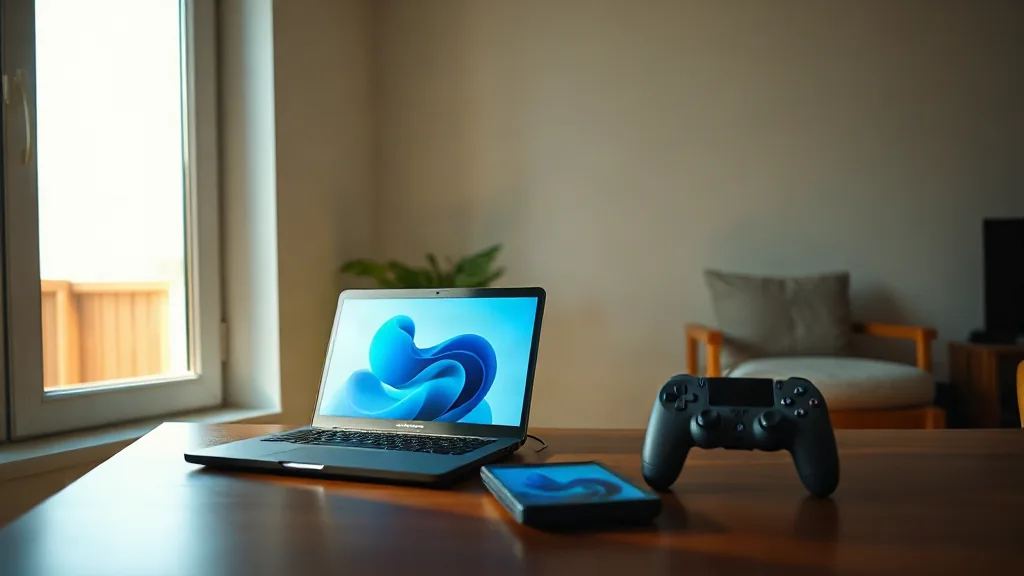
Xbox Cloud Gaming streams supported games on compatible devices. Begin with the game you want to play and check the current UK catalogue. Do this before choosing a subscription, because interest in a title is only useful if the relevant service information supports your intended access.
Then check device compatibility and subscription requirements together. Avoid assuming that information for one device applies to another, or that an older catalogue mention establishes access under the subscription you are considering.
Finish with the connectivity requirements for your setup. Compare the service’s stated requirements with the connection you intend to use, rather than relying solely on the device being compatible. Revisit these checks when your game, subscription or device changes. They provide a firmer basis for planning than a historical announcement alone.